
Using the Assessment
The Career Interest Assessment comes straight from the O*NET Resource Center, but we add value by interlinking its output with our data in a couple of ways. First, we pull in key statistics — early-career income, share with a 4-year degree, typical hours — for your selected sex and geography, making it convenient to compare the suggested occupations. Second, from the recommended occupations we use an algorithm to derive the top majors for you, pulling in the relevant statistics for those majors, specific to your selected sex.
Note: This guide is written for Pro users. Non-logged-in and free users may not have all of these features. You can get Pro access by subscribing.
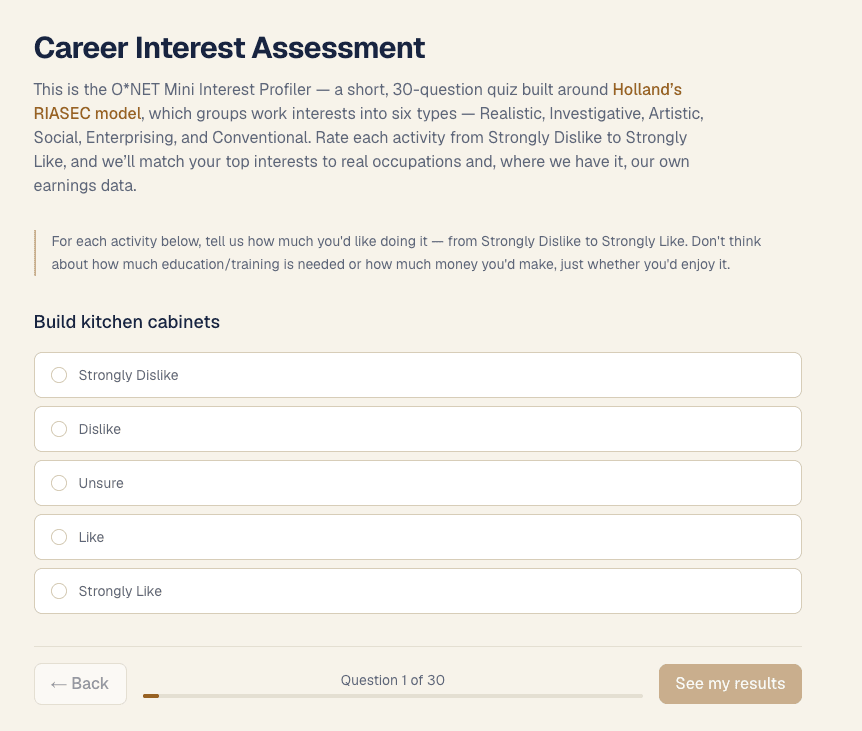
Step 1 — Take the assessment
Start by going to /assessment and answering the 30 questions.
Step 2 — Select your demographics (state / sex)
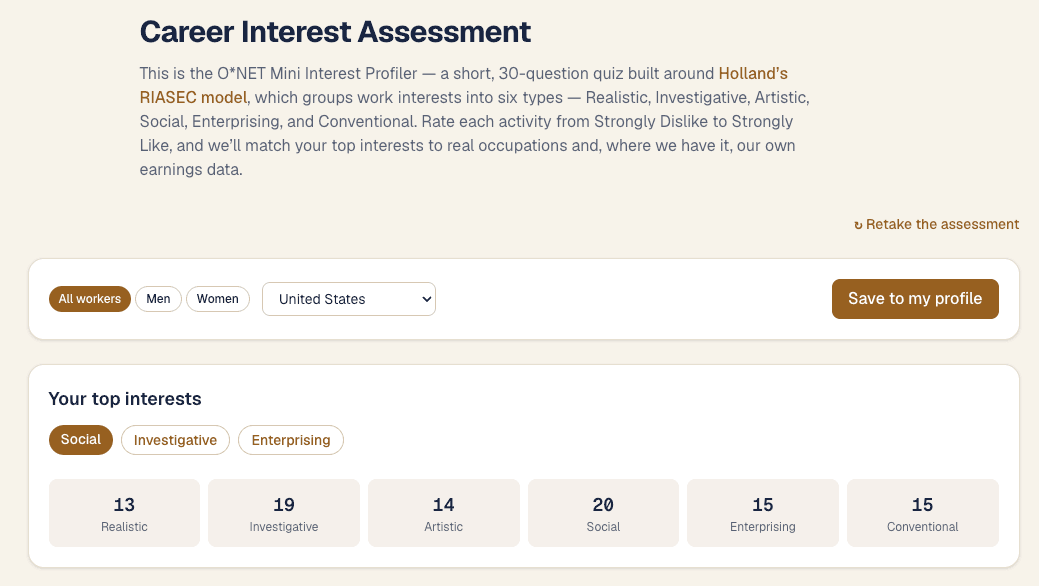
Once the assessment is complete, the /assessment page outputs your results. Start by entering your demographics to get personalized statistics for occupations and a personalized list of majors.
Once your demographics are selected, choose Save to my profile to save the results to your account.
Step 3 — Review your recommended majors
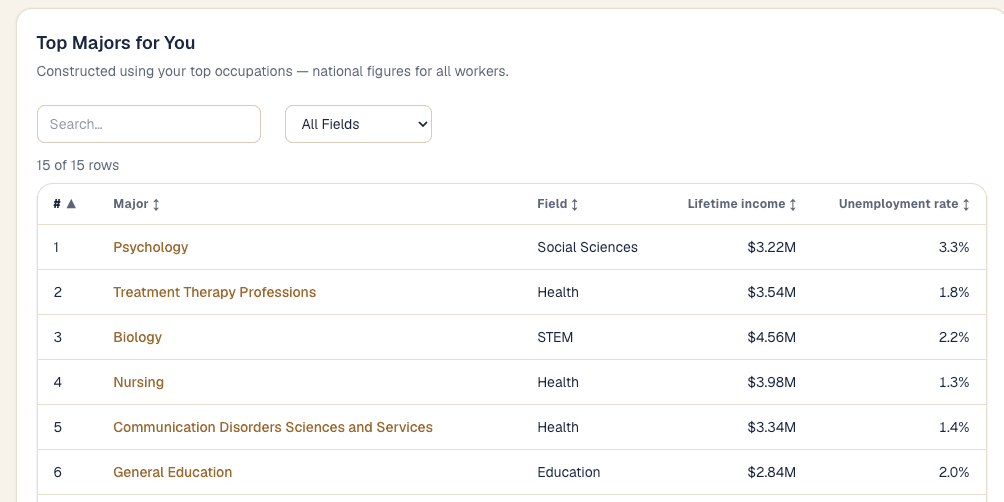
The O*NET assessment generates a list of occupations predicted to be a great fit for you based on your answers. Because our data compiles the top 10 feeder majors for each occupation by demographics, we can generate a personalized list of top majors using an internally developed algorithm. Even for the same recommended occupations, the list of majors varies by sex, since men and women take different paths into a given occupation.
The statistics displayed are personalized to your selected sex, but they are at the national level.
Step 4 — Review your recommended occupations
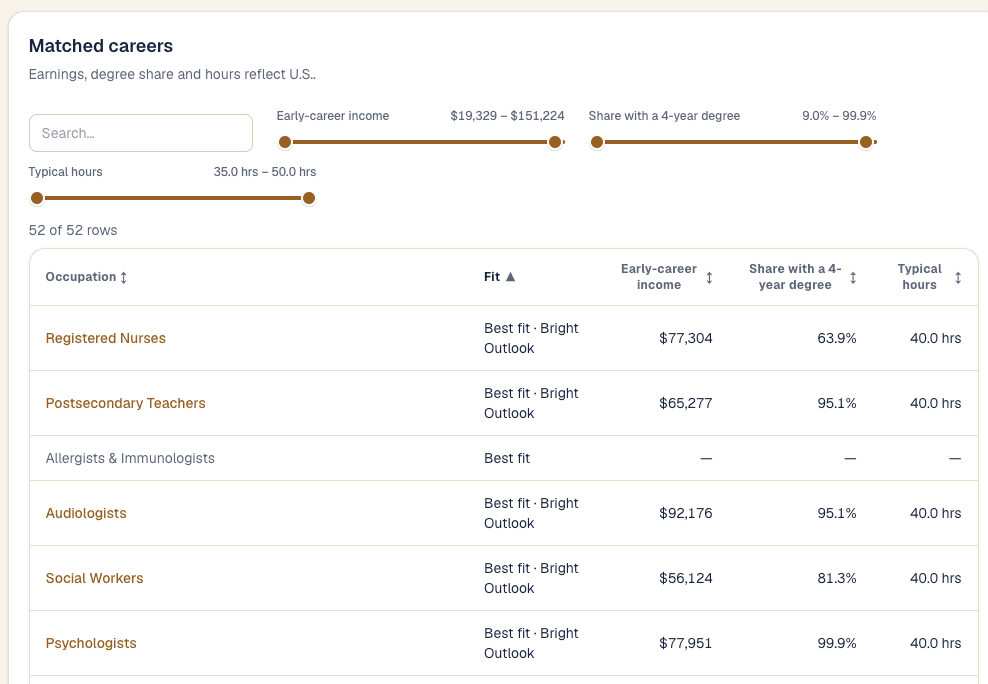
These recommended occupations come straight from O*NET based on your responses to the assessment. We link in key statistics for each recommended occupation, specific to your selected sex and geography.
Next
Dig into any match with the Occupations guide and the Majors guide, or take the assessment now.